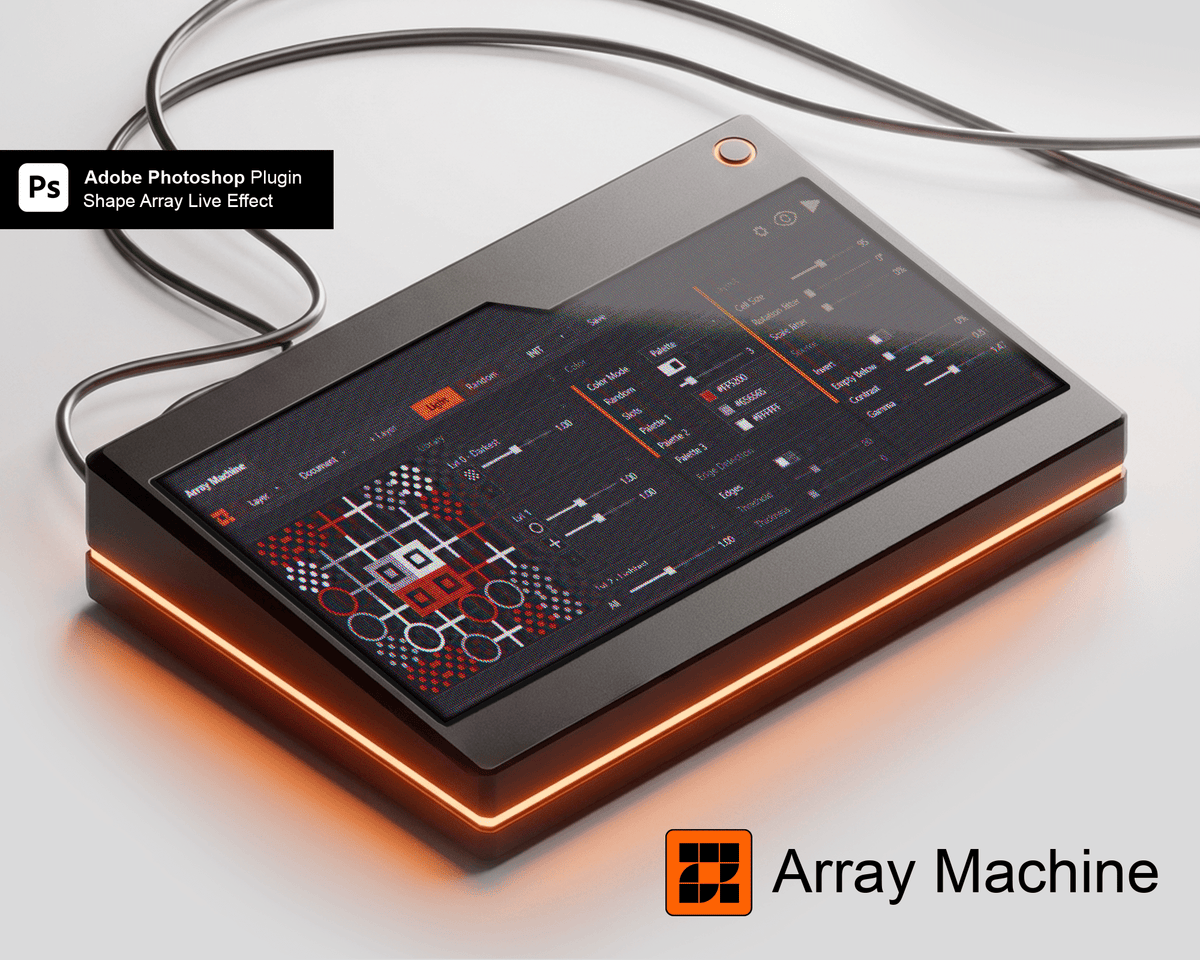
Dot Effect in Photoshop
Array Machine rebuilds any image from shapes that react to light. Use its built-in vector shapes, your own SVGs or even other images, and watch it update live.
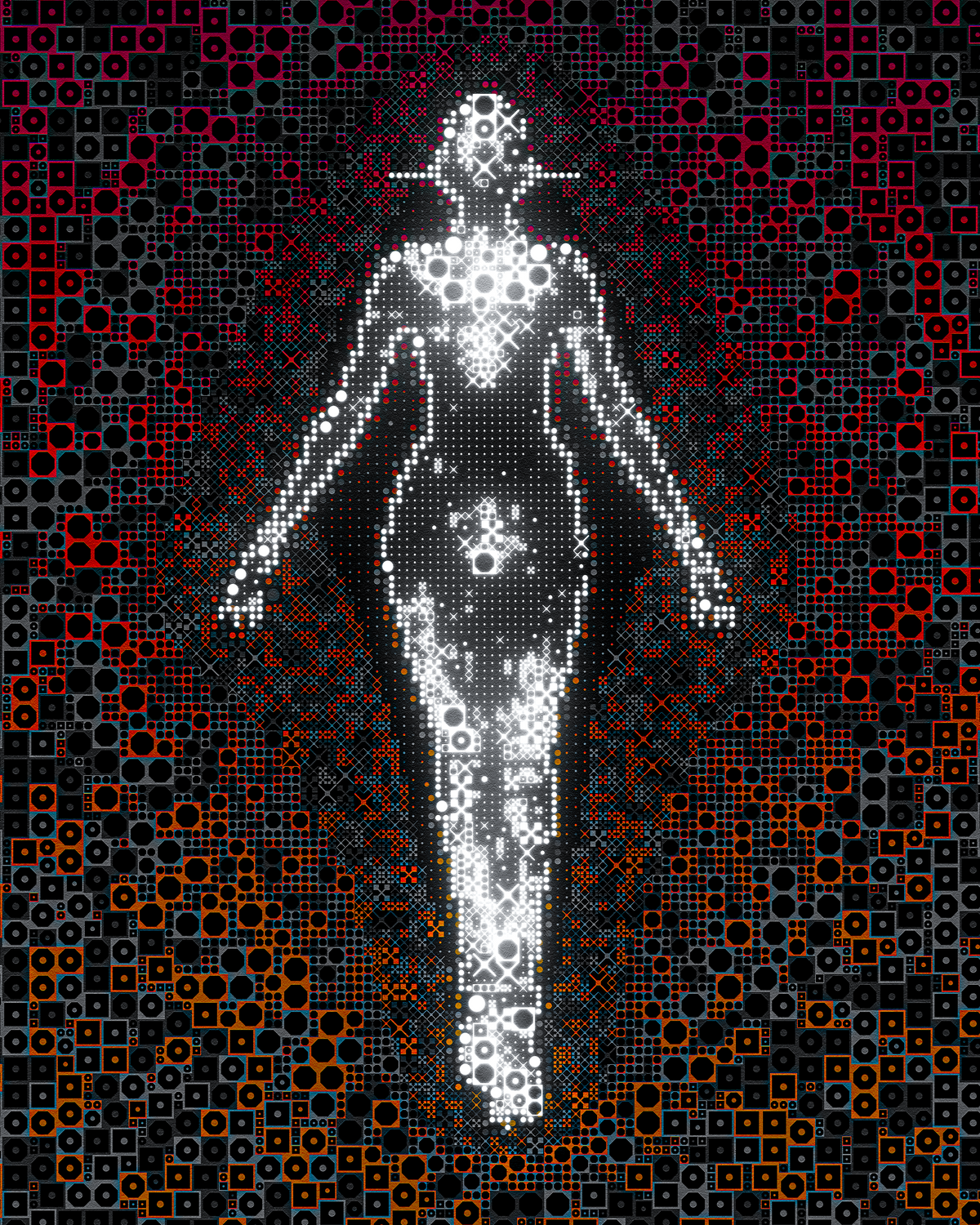
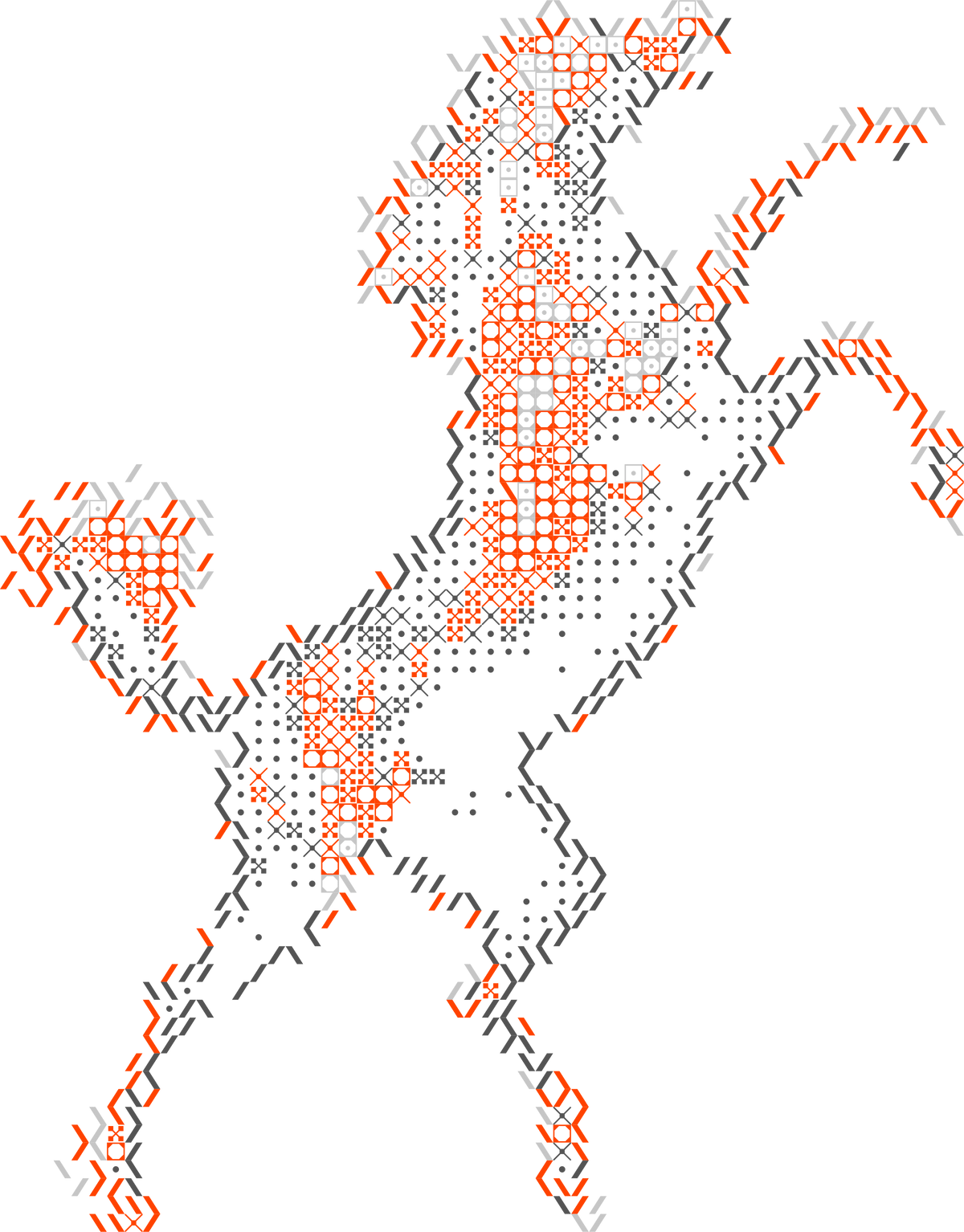
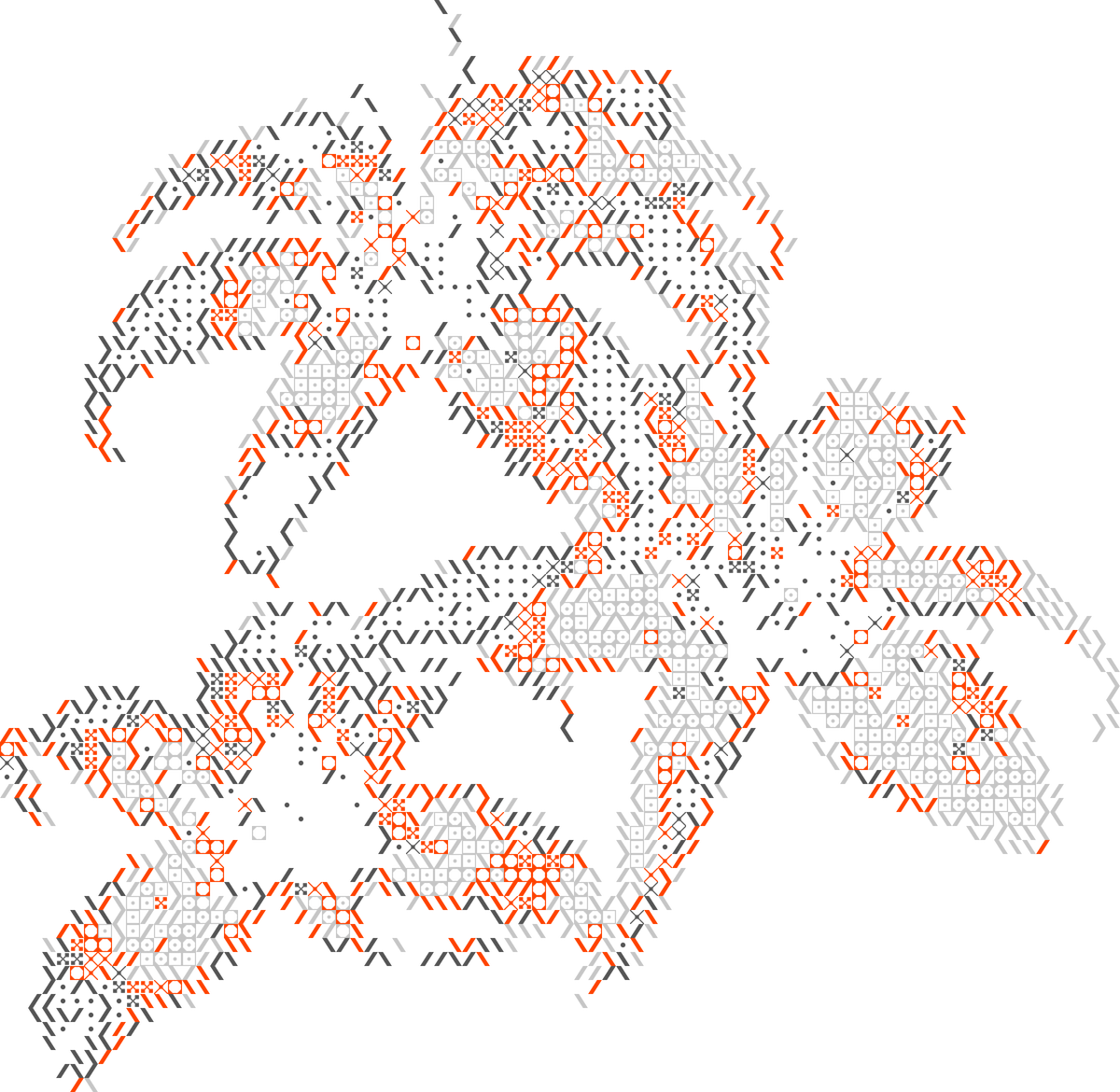

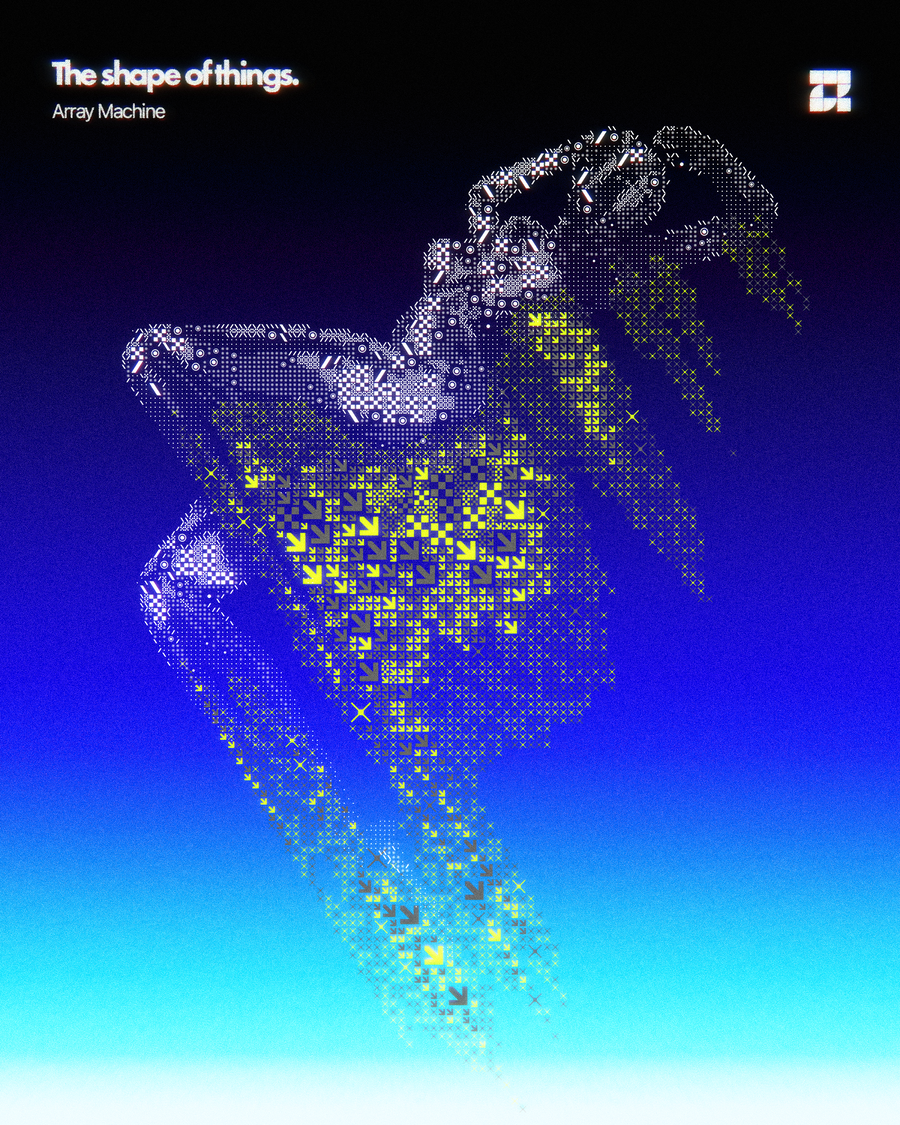
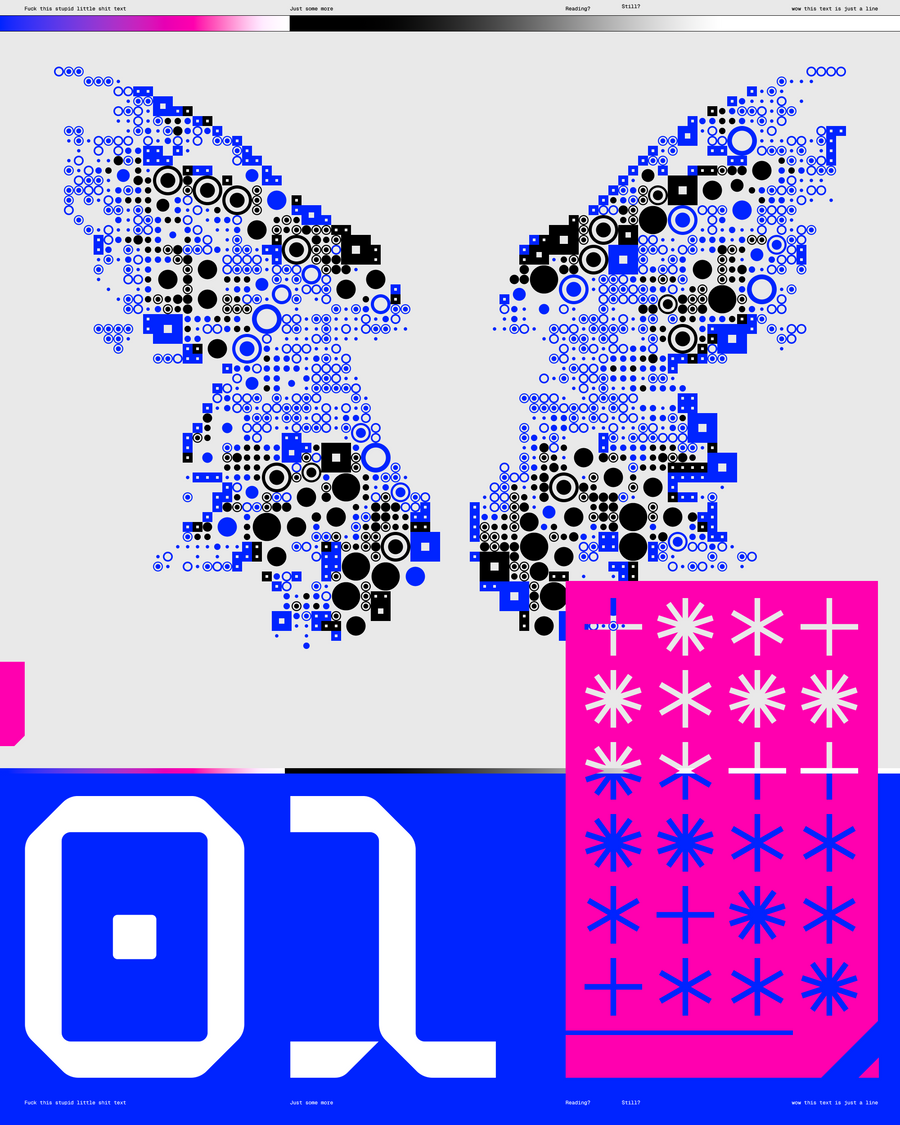
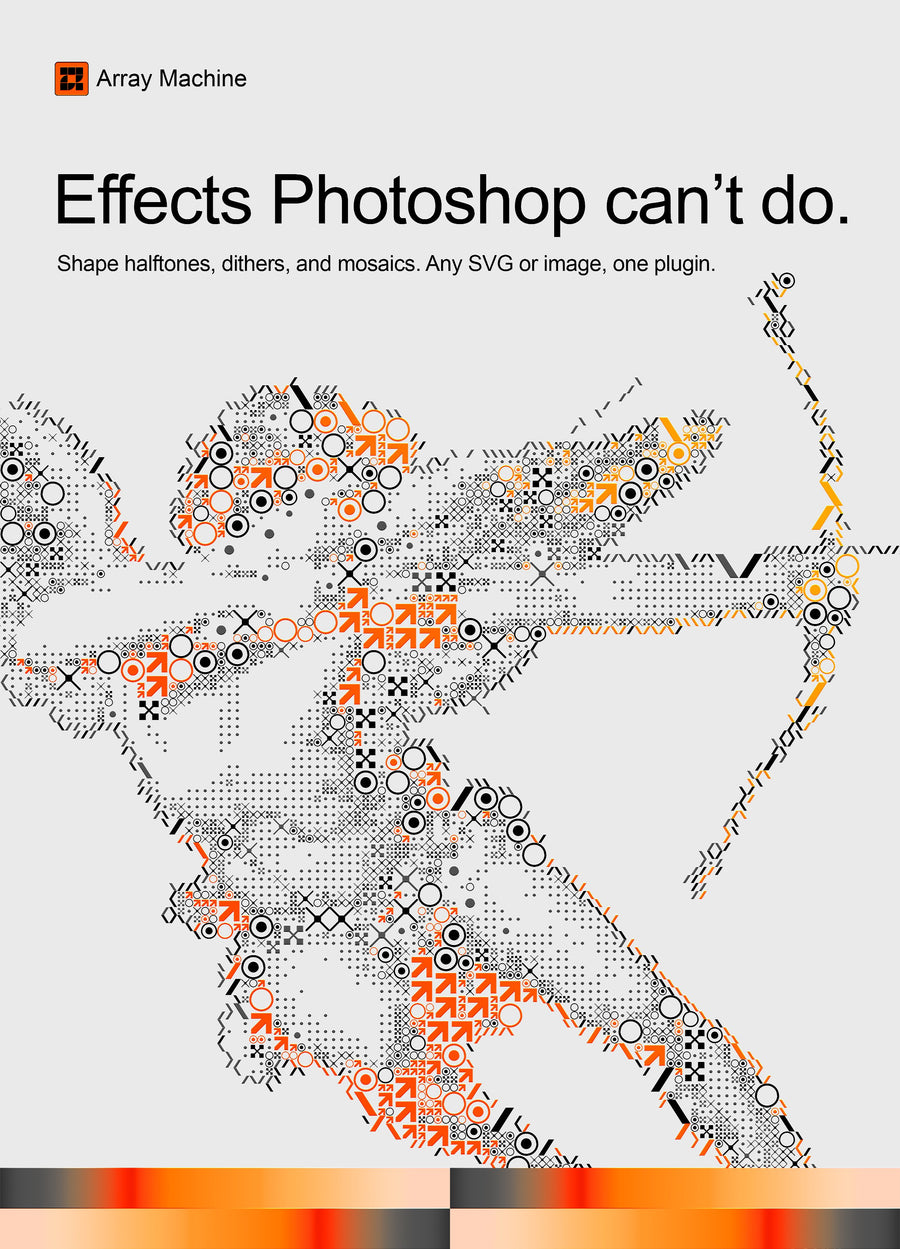
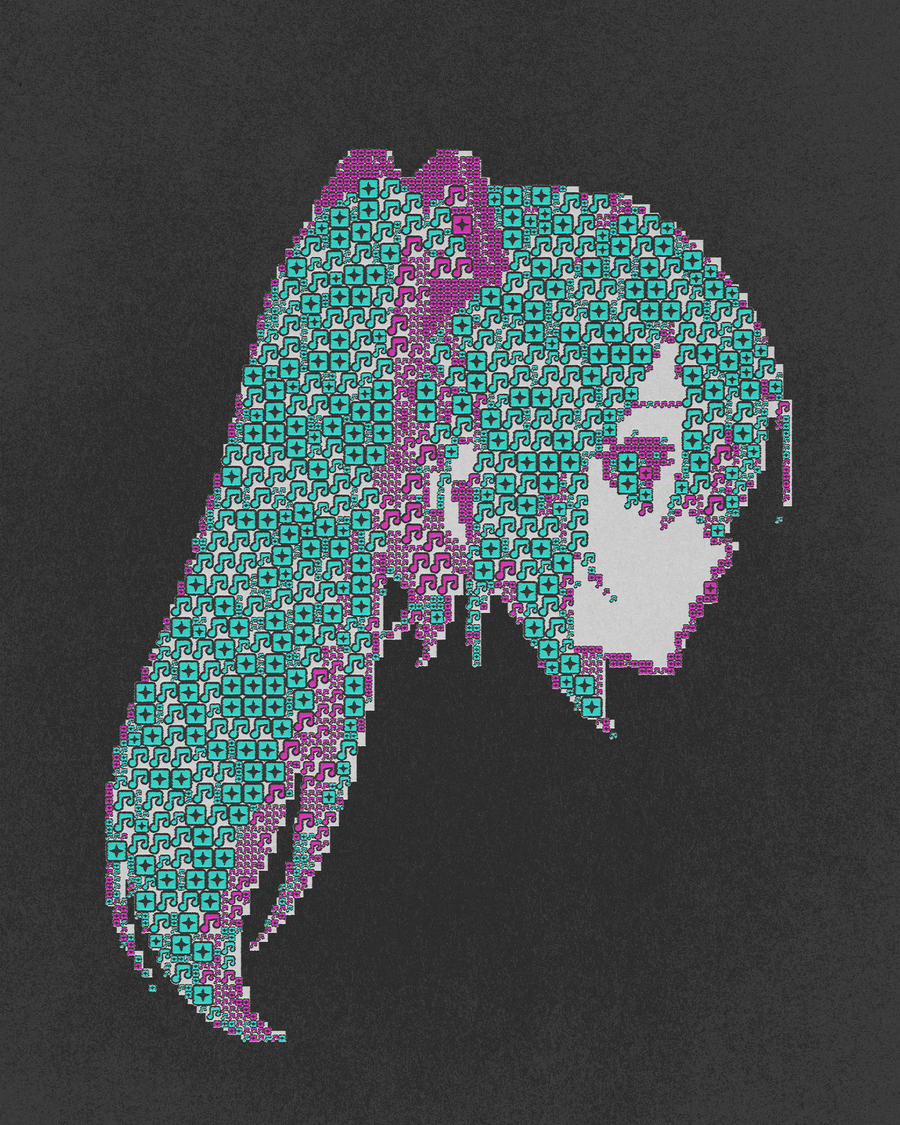
Four renders made with Array Machine. Tap a tab to switch.
The short answer
To make a dot effect in Photoshop, rebuild the image from small shapes that follow its light and dark areas. Array Machine, a Synkit plugin for Photoshop 2025 or newer, does this live with built-in vector shapes, your own SVGs or other images. The result exports as an SVG, so it stays sharp at any size.
At a glance
- What it is
- Array Machine, a Photoshop plugin
- What it does
- Rebuilds any image from shapes that react to light
- Works in
- Photoshop 2025 or newer
- Format
- Photoshop plugin, exports SVG
- Shapes
- Built-in vector shapes, your own SVGs or other images
- License
- Single License for one user, Team License for 5 seats
- Updates
- Free for licensed users
- Made by
- Synkit, by Jorge Lopez
What it is
A dot effect in Photoshop usually starts with a filter that gives you round dots on a fixed grid. Array Machine is a Photoshop plugin that rebuilds the image from shapes instead: built-in vectors, your own SVGs or other images, picked to match the light in your layer.
Shadows can get one shape and highlights another, or switch to Random. Jitter scale and rotation, clump cells into bigger blocks, preview it all live and export the result as SVG.
Examples
Same plugin, different shapes
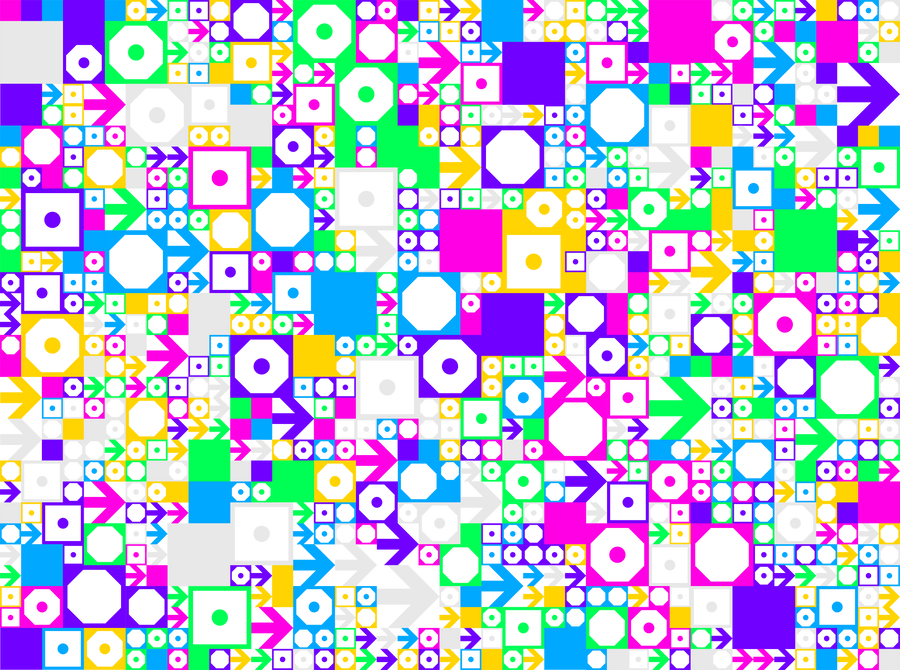
Six renders, all made with Array Machine. Try it on yours

More Machine plugins
Want bands instead of dots? See the screen print effect.
Band Machine splits any image into brightness bands, one layer per color.
How to Photoshop 2025 or newer
Make a dot effect in five steps
Open Array Machine
Install the plugin with the instructions in your download, then open Array Machine from the Plugins menu in Photoshop.
Pick your shapes
Use the built-in vector shapes, or load your own SVGs and images. They are saved to your library for later projects.
Map shapes to light
Array Machine reads the light in your layer. Give shadows one shape and highlights another, or switch to Random.
Add variation
Jitter scale and rotation, and clump cells into bigger blocks.
Preview and export
Watch every change live in Preview Mode, then apply it or export the result as SVG.
Settings
Three settings that matter
Light
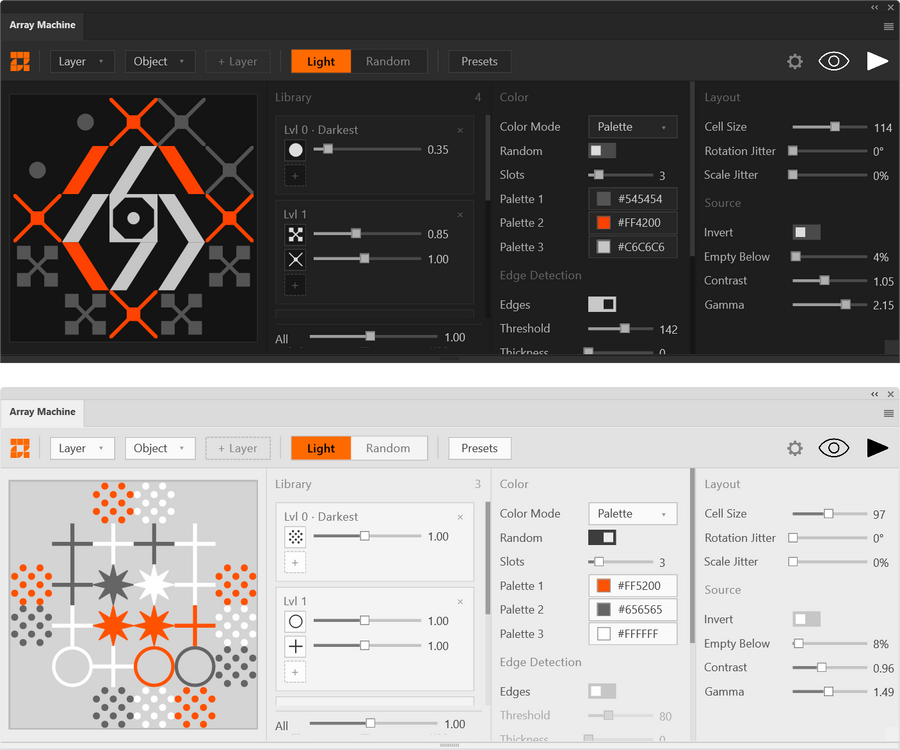
Shadows and highlights
Array Machine reads the light in your layer and picks shapes to match, so the image stays readable even when it is made of icons.
Shapes
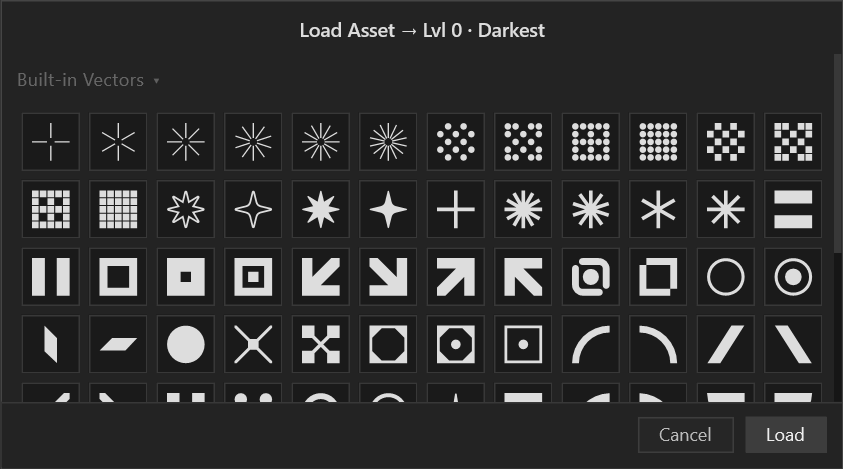
Your own shape library
Use the built-in vector shapes or bring your own vectors, SVGs and images. They stay in your library for the next project.
Variation
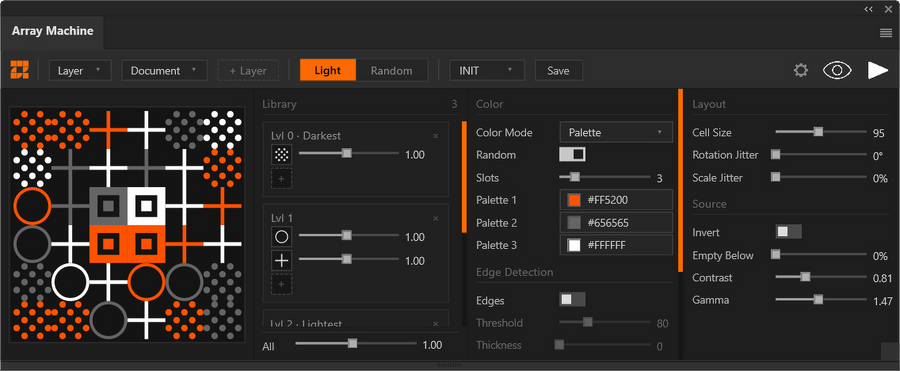
Jitter and clumping
Jitter the scale and rotation of every cell, and clump cells together for a less mechanical grid.
Compare
Built in vs Array Machine
| What you want | Photoshop built in | Array Machine |
|---|---|---|
| Dot shape | Round dots from a filter | Any shape, picked to match the light |
| Custom shapes | Define a pattern and fill by hand | Your own SVGs and images, saved to a library |
| Variation | Same grid every time | Jitter scale and rotation, clump cells |
| Live preview | Apply, undo, try again | Preview Mode updates as you work |
| Vector output | Trace the result in a vector app | One-click SVG export |
FAQ
Dot effect, quick answers
Which Photoshop version do I need for Array Machine?
Array Machine requires a licensed version of Adobe Photoshop 2025 or newer.
Can I make a dot effect with my own shapes?
Yes, you can use your own vectors, SVGs and images. They are saved to your library so you can use them in later projects.
Can I export the dot effect as a vector?
Yes, Array Machine exports the result as an SVG, so it stays sharp at any size.
Are Array Machine updates free?
Yes, all updates are free for licensed users. That includes bug fixes, performance improvements and new features, announced by email.
Can my team share one Array Machine license?
No, each Single License is for one user. For a team, the Team License covers 5 seats.
Related
More effects


Photoshop plugin
Array Machine for Photoshop
Rebuild any image from shapes that react to light, with your own shape library, live preview and SVG export.