
Futuristic Effect in Photoshop
Circuit Machine draws circuit style traces for sci-fi and tech visuals. It comes in Node+Circuit Machine, 2 Photoshop plugins in 1, with live preview.
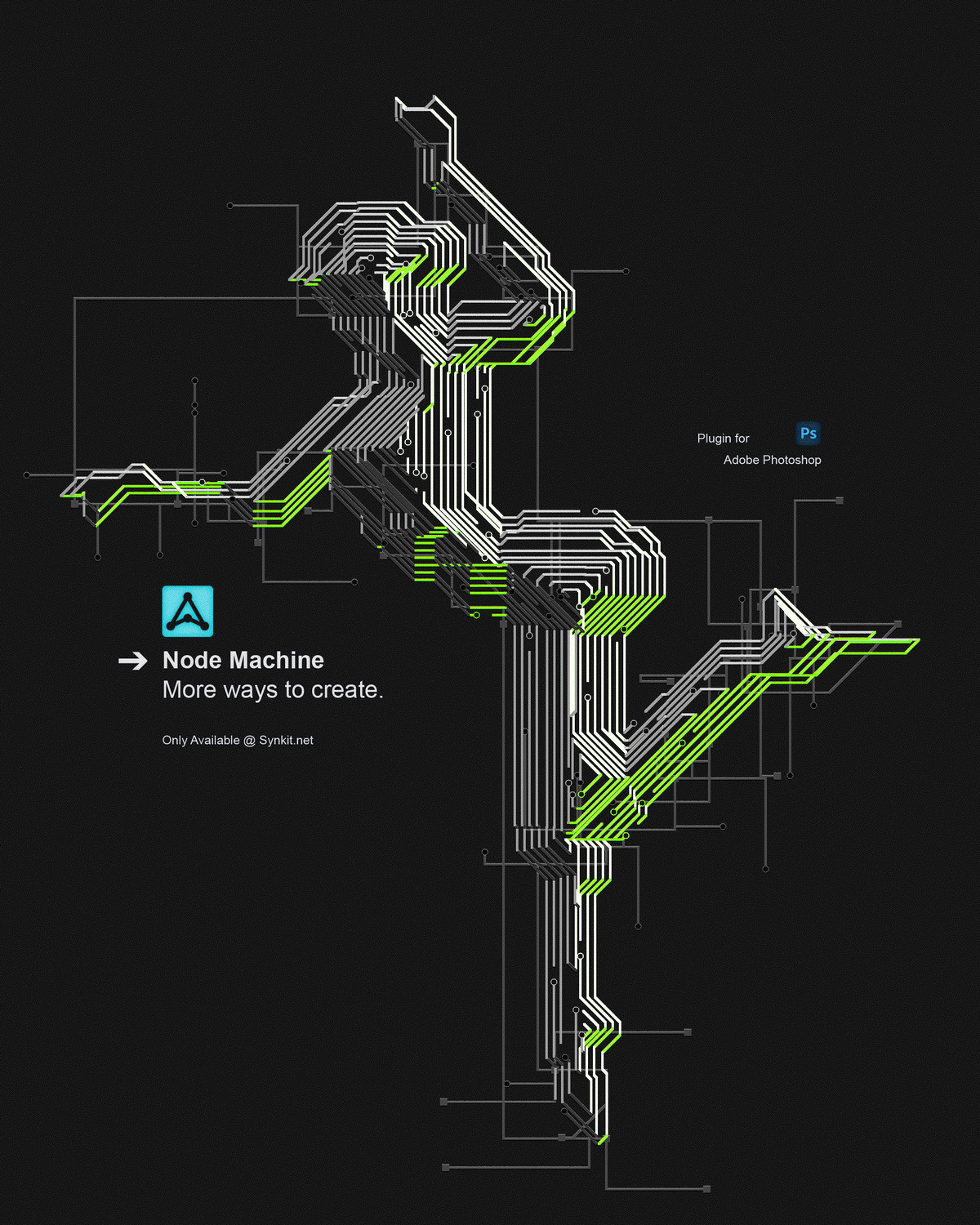
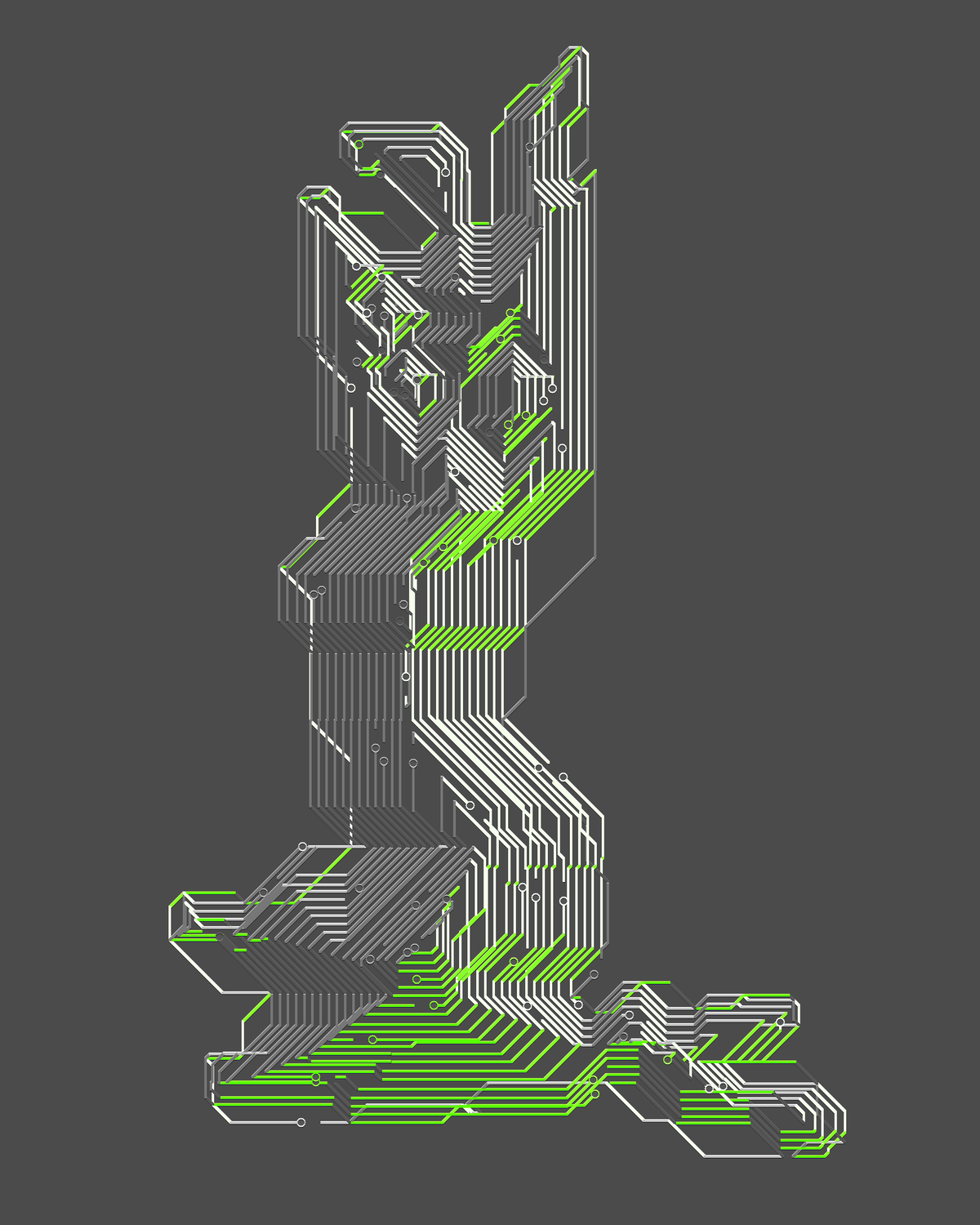
Three renders made with Circuit Machine. Tap a tab to switch.
The short answer
To make a futuristic, sci-fi effect in Photoshop, add circuit style traces and grids over your artwork. Circuit Machine generates those traces procedurally with live preview, so you do not have to draw them by hand. It comes in Node+Circuit Machine, a Synkit plugin for Photoshop 2025 or newer.
At a glance
- What it is
- Circuit Machine, part of Node+Circuit Machine
- What it does
- Draws circuit style traces for sci-fi and tech visuals
- Works in
- Photoshop 2025 or newer
- Format
- Photoshop plugin
- Included
- Circuit Machine and Node Machine, 2 plugins in 1
- License
- Single License for one user, Team License for 5 seats
- Updates
- Free for licensed users
- Made by
- Synkit, by Jorge Lopez
What it is
Futuristic visuals in Photoshop, the sci-fi and tech kind, usually mean hours of drawing traces and grids by hand. Circuit Machine generates circuit style traces procedurally, so you spend the time choosing a look instead of drawing it.
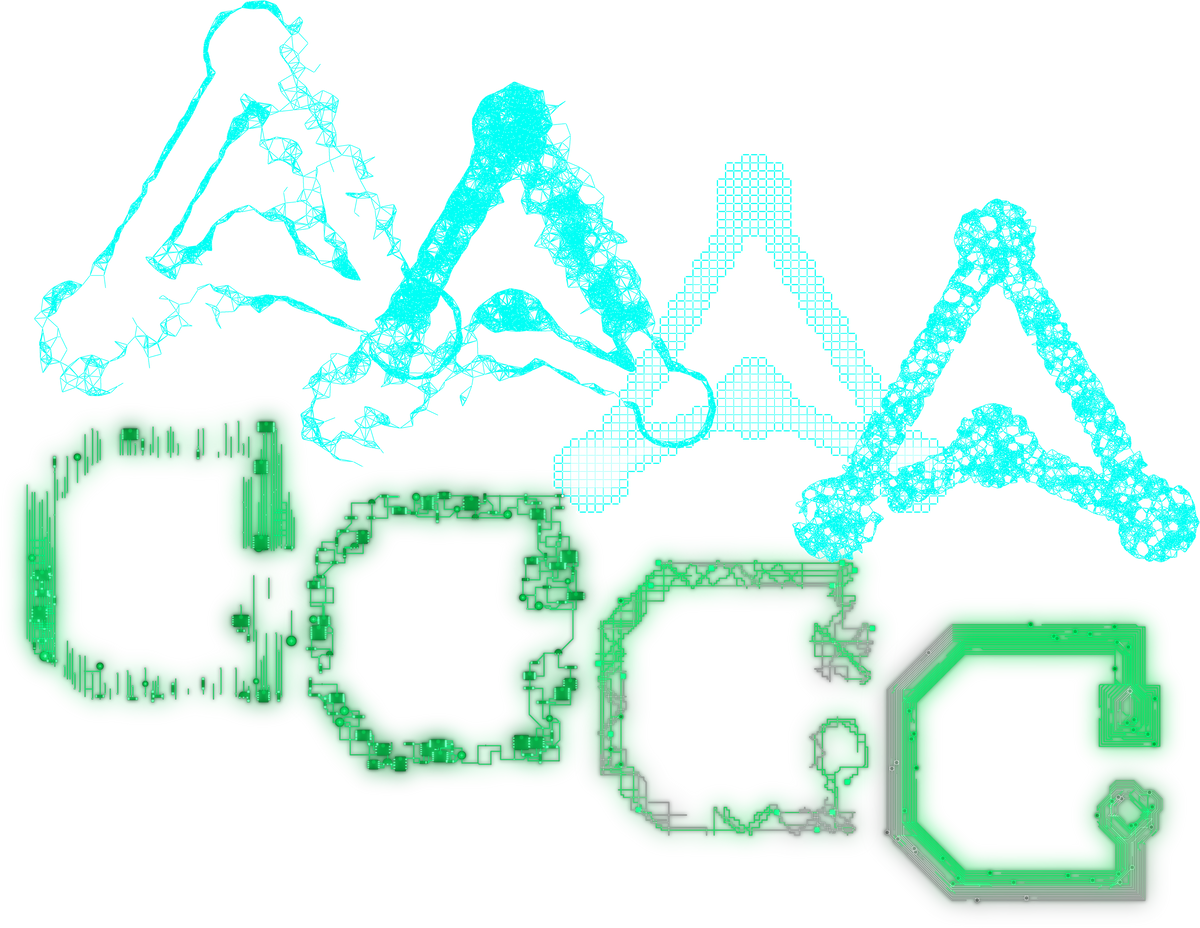
It comes in Node+Circuit Machine together with Node Machine, which builds points and connecting lines. Both run with live preview, and every seed gives a different result.
Examples
One plugin, two machines
Six renders made with Node+Circuit Machine. Try it on yours


More Machine plugins
Want points and lines? See the constellation effect.
Node Machine comes in the same plugin and builds star map networks.
How to Photoshop 2025 or newer
Make a futuristic effect in four steps
Open Node+Circuit Machine
Install the plugin with the instructions in your download, then open it from the Plugins menu in Photoshop.
Choose Circuit Machine
Use Circuit Machine for circuit traces, or Node Machine for points and connecting lines.
Preview live
Watch the traces update in real time while you change the settings.
Apply it
Apply the result in one click when the look is right, or try a new seed for a different one.
Compare
Built in vs Node+Circuit Machine
| What you want | Photoshop built in | Node+Circuit Machine |
|---|---|---|
| Draw traces | Pen tool and strokes, line by line | Generated procedurally |
| Try a variation | Redraw by hand | A new seed gives a new result |
| Preview | Apply, undo, try again | Live preview as you work |
FAQ
Futuristic effect, quick answers
Which Photoshop version do I need for Circuit Machine?
Node+Circuit Machine requires a licensed version of Adobe Photoshop 2025 or newer.
Can I buy Circuit Machine on its own?
No, Circuit Machine comes in Node+Circuit Machine, 2 Photoshop plugins in 1.
What is the difference between Circuit Machine and Node Machine?
Circuit Machine generates circuit style traces, while Node Machine generates points joined by lines. You get both in the same plugin.
Are Node+Circuit Machine updates free?
Yes, all updates are free for licensed users. That includes bug fixes, performance improvements and new features, announced by email.
Can my team share one Node+Circuit Machine license?
No, each Single License is for one user. For a team, the Team License covers 5 seats.
Related
More effects


Photoshop plugin
Node+Circuit Machine for Photoshop
2 Photoshop plugins in 1. Circuit traces, points and lines with live preview and lifetime free updates.
