
Screen Print Effect in Photoshop
Band Machine splits any image into brightness bands and fills them with lines, dots, dither or triangles. Turn on Separate Colors and every band lands on its own layer, ready for print.
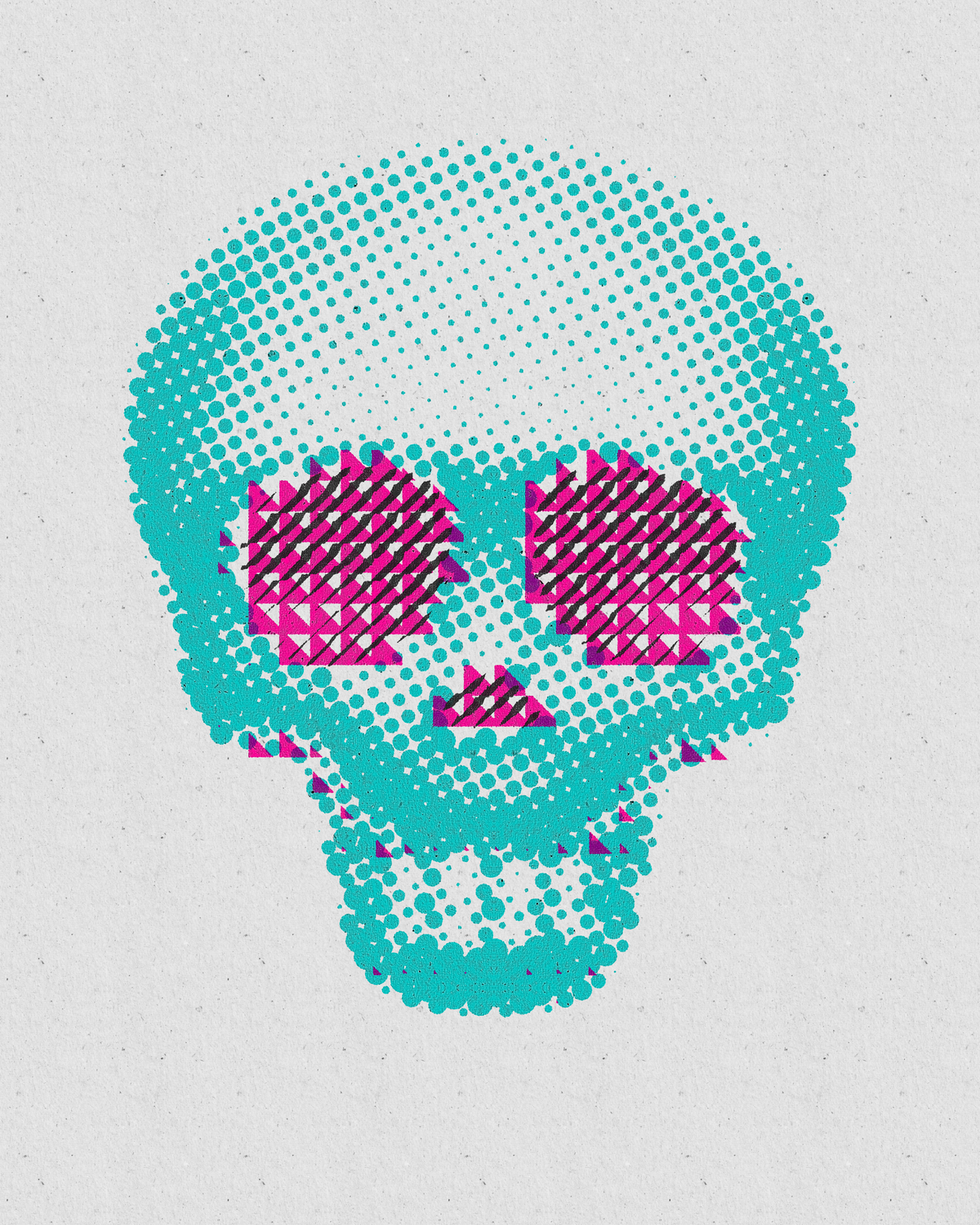
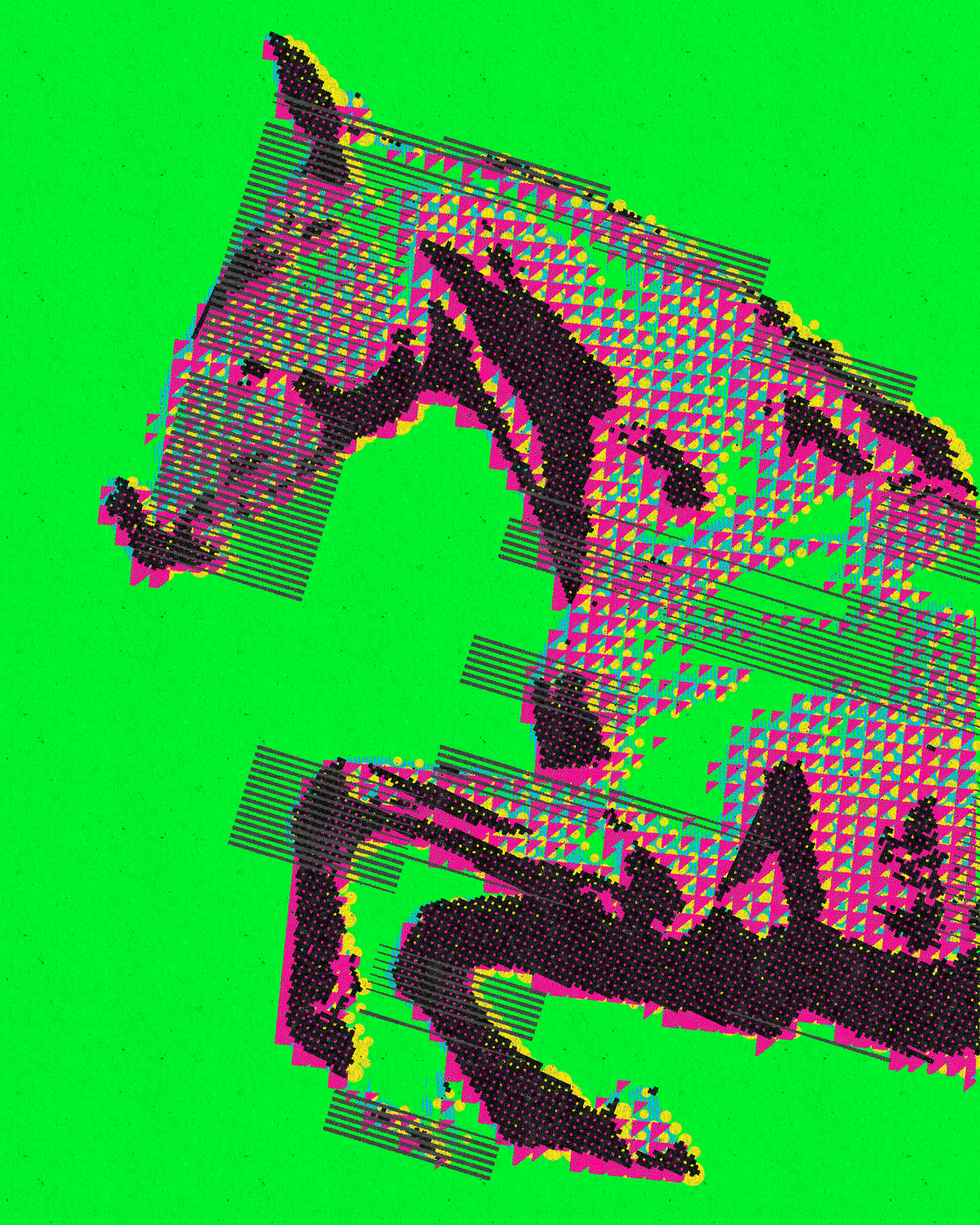
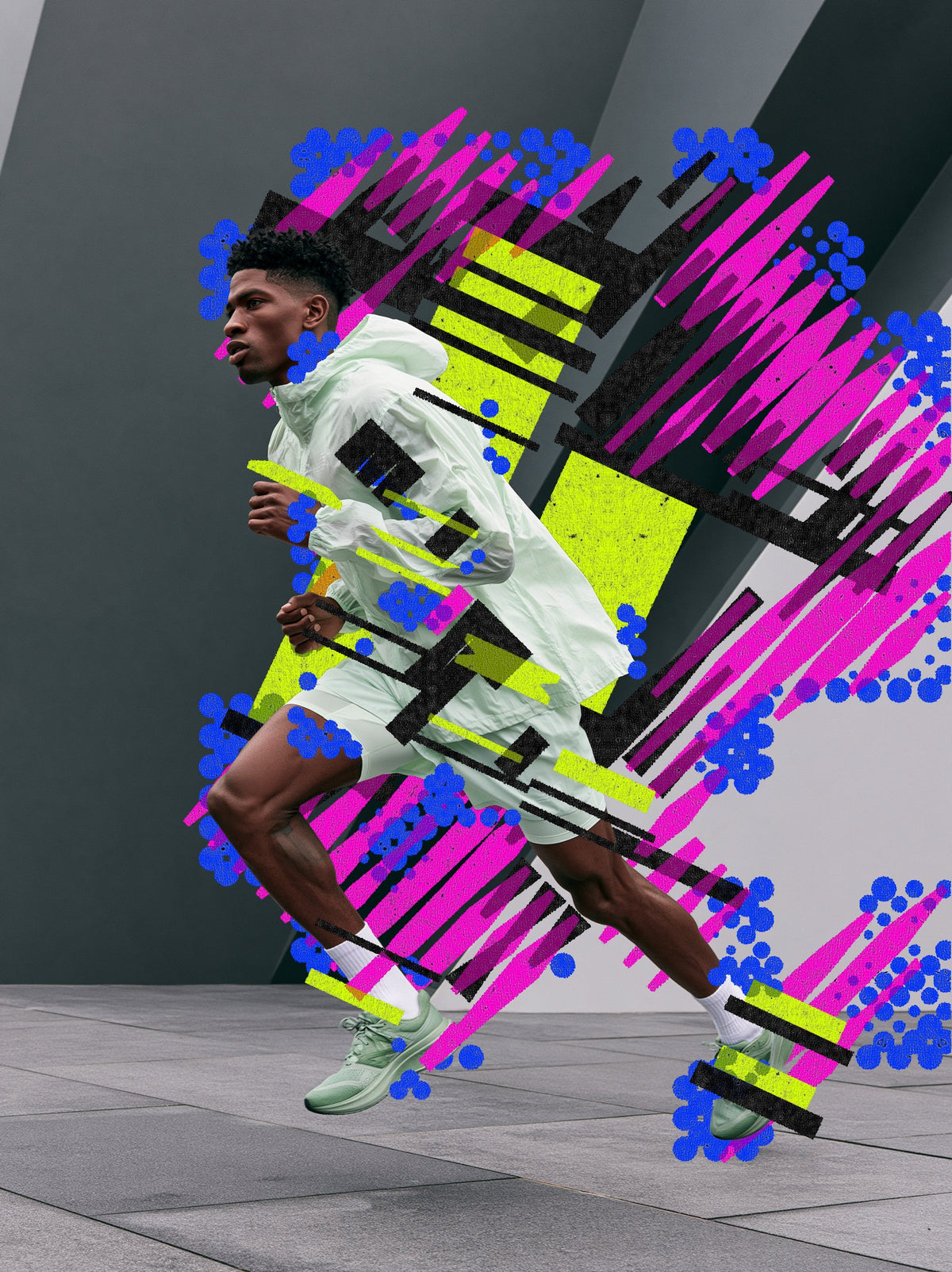

Four renders made with Band Machine. Tap a tab to switch.
The short answer
To make a screen print effect in Photoshop, split your image into brightness bands and fill each band with a pattern such as lines, dots, dither or triangles. Band Machine, a Photoshop plugin by Synkit, does this for you and can render every band to its own layer, ready for print. The result also exports as a scalable SVG.
At a glance
- What it is
- Band Machine, a Photoshop plugin
- What it does
- Splits an image into brightness bands and fills them with lines, dots, dither or triangles
- Works in
- Photoshop
- Format
- Photoshop plugin, exports SVG
- Print ready
- Separate Colors renders each band to its own layer
- License
- Single License for one user, Team License for 5 seats
- Updates
- Free for licensed users
- Made by
- Synkit, by Jorge Lopez
What it is
A screen print effect in Photoshop usually means posterizing, building pattern layers by hand and splitting the colors into channels. Band Machine is a Photoshop plugin that reads the brightness of your image, splits it into bands and fills each band with lines, dots, dither or triangles.
Turn on color mode to read color as well as light, drag the transitions to move where one band ends and the next begins, then render each band to its own layer or export the whole thing as SVG.
Examples
Same plugin, different prints
Six renders, all made with Band Machine. Try it on yours


More Machine plugins
Want shapes instead of bands? See the dot effect.
Array Machine rebuilds any image from shapes that follow the light.
How to Photoshop
Make a screen print effect in five steps
Open Band Machine
Install the plugin with the instructions in your download, then open Band Machine from the Plugins menu in Photoshop.
Turn on Preview Mode
Preview Mode shows every change live, so you can judge the print before you apply it.
Set the bands
Pick lines, dots, dither or triangles for each brightness band. Drag the transitions along the strip and swap bands around until the tones sit right.
Add color
Turn on color mode so the plugin reads color as well as light, for CMYK style looks.
Render to layers
Turn on Separate Colors to render each band to its own layer, or export the result as a clean SVG.
Settings
Three settings that matter
Bands

Band types and transitions
Choose lines, dots, dither or triangles for each band, then drag the transitions to decide where one tone ends and the next begins.
Color

Color mode
Reads color as well as brightness, so CMYK style looks come together without splitting channels by hand.
Output

Separate Colors and SVG
Each band renders to its own layer. On a CMYK document, each layer shows its CMYK value. Or export the result as a scalable SVG.
Compare
Built in vs Band Machine
| What you want | Photoshop built in | Band Machine |
|---|---|---|
| Tone into bands | Posterize or Threshold, then mask each level | Brightness bands read from your image, live |
| Fill patterns | Pattern overlays, one band at a time | Lines, dots, dither or triangles per band |
| Color separation | Split channels and build layers by hand | Separate Colors puts each band on its own layer |
| Change the look | Rebuild the layer stack | Swap bands and drag transitions |
| Vector output | Trace the result in a vector app | One-click SVG export |
FAQ
Screen print effect, quick answers
What is the easiest way to make a screen print effect in Photoshop?
Use Band Machine, a Photoshop plugin that splits your image into brightness bands and fills each one with lines, dots, dither or triangles. Color mode reads color as well as light, for CMYK style looks.
Can I use the screen print effect for real printing?
Yes, turn on Separate Colors and each band renders to its own layer. On a CMYK document, each layer shows its CMYK value, which makes press and Riso style prints easier to prepare.
Can I export the screen print effect as a vector?
Yes, Band Machine exports the result as a clean, scalable SVG file in one click.
Are Band Machine updates free?
Yes, all updates are free for licensed users. That includes bug fixes, performance improvements and new features, announced by email.
Can my team share one Band Machine license?
No, each Single License is for one user. For a team, the Team License covers 5 seats.
Related
More effects


Photoshop plugin
Band Machine for Photoshop
Brightness bands of lines, dots, dither or triangles, with each band on its own layer and one-click SVG export.
